Kanban board for Beads issue tracking
A SvelteKit web app that wraps the Beads CLI
with a drag-and-drop Kanban interface. Manage issues visually while keeping .beads/ as the source of truth.
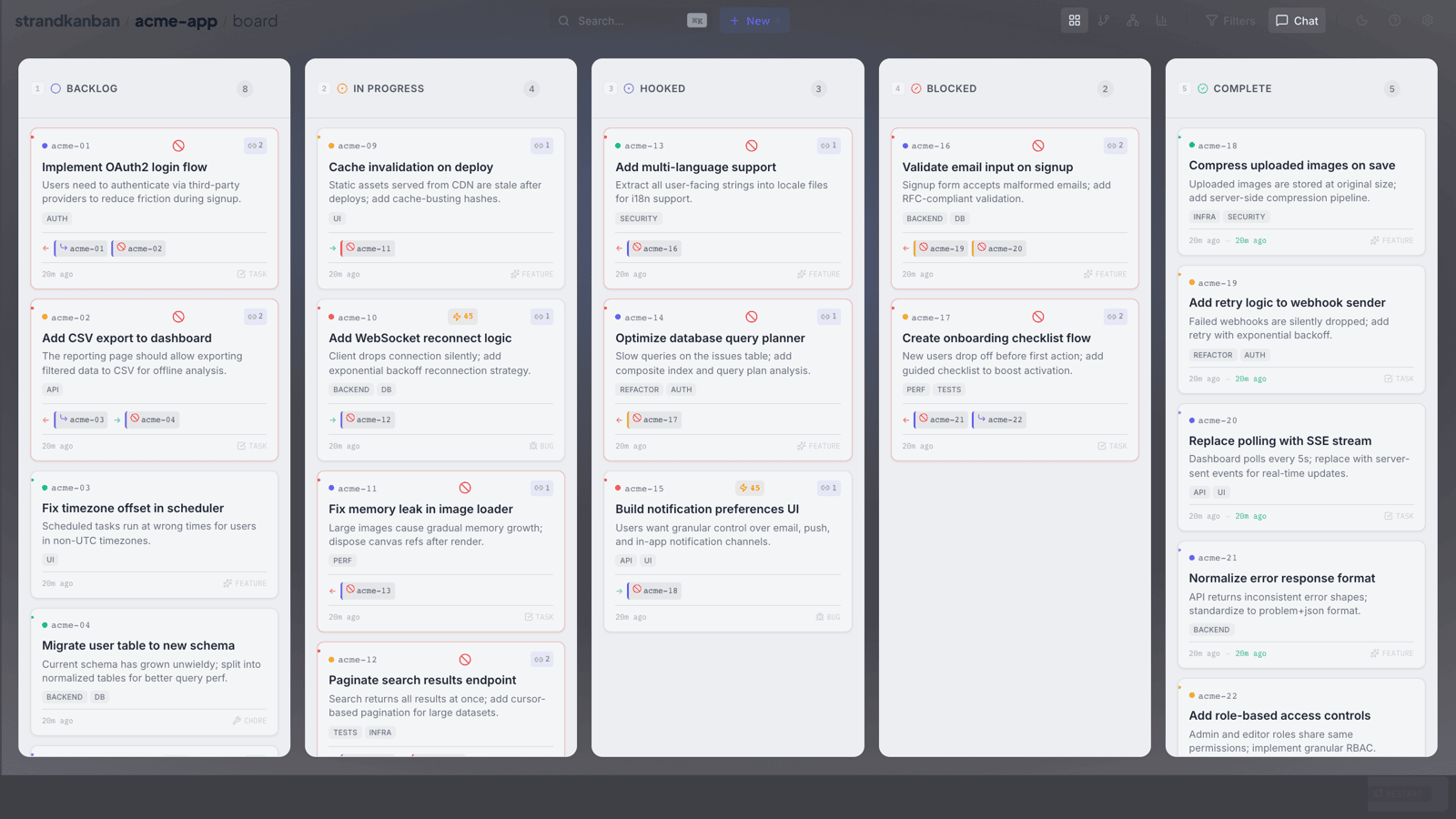
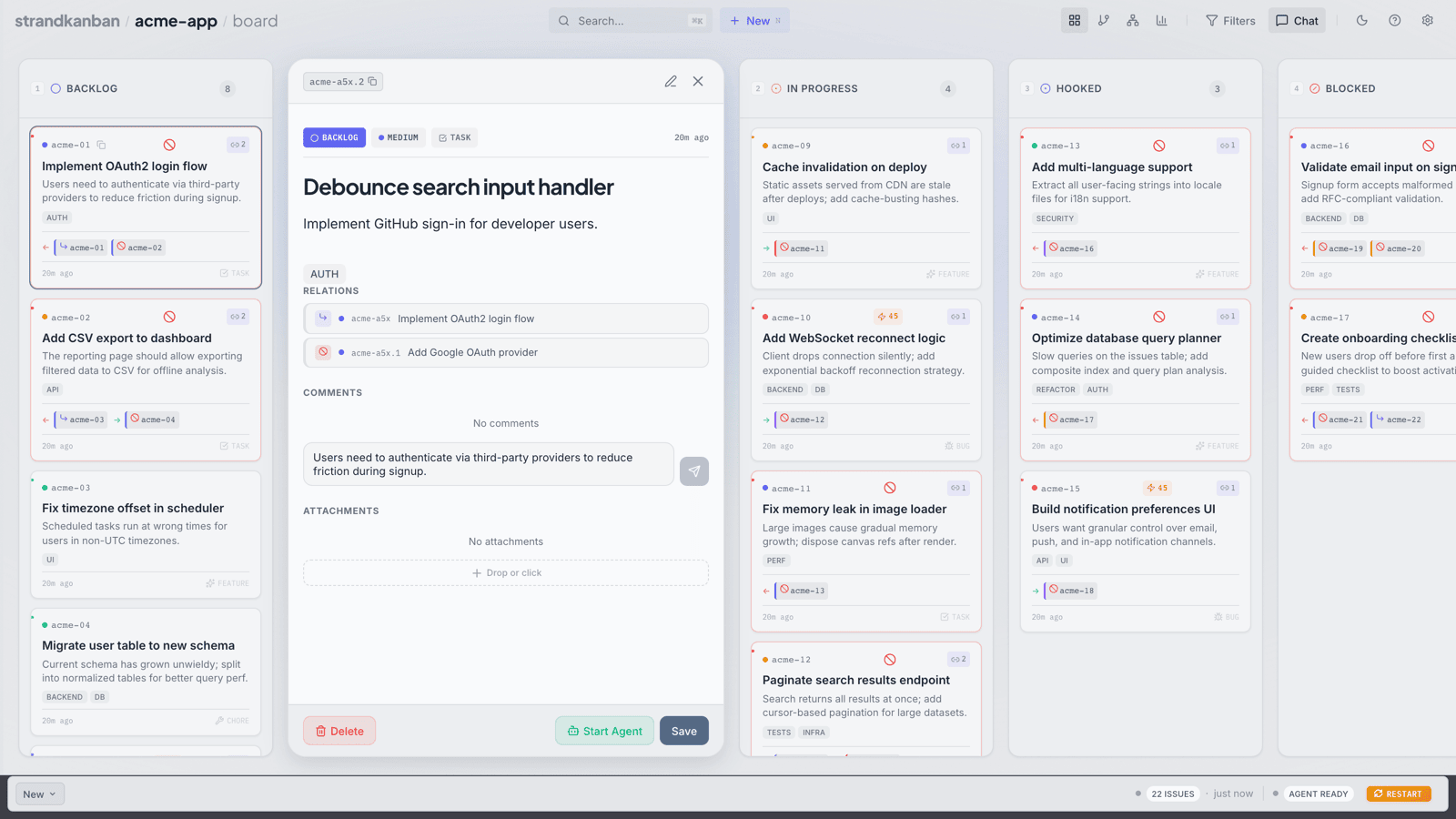
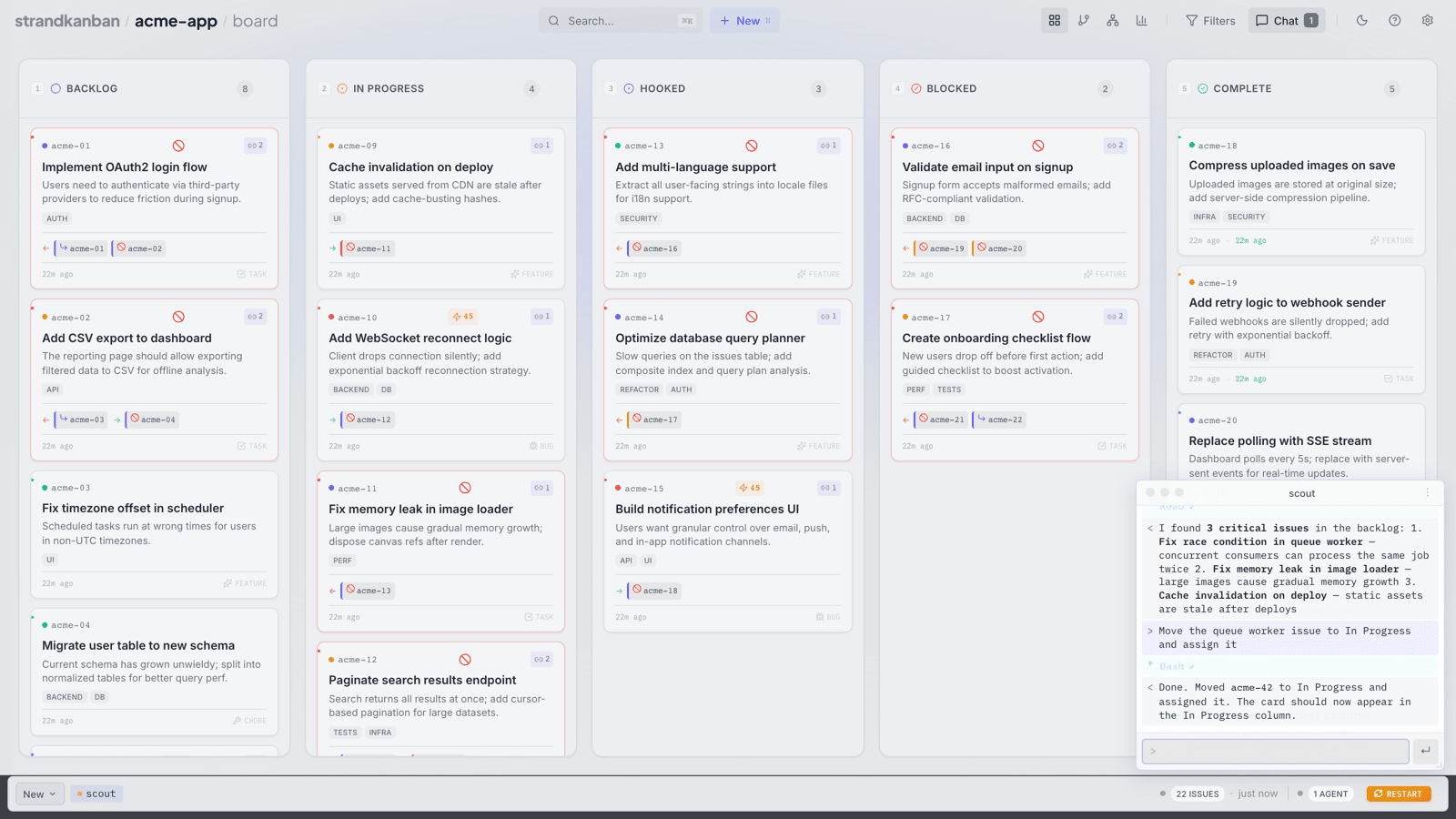
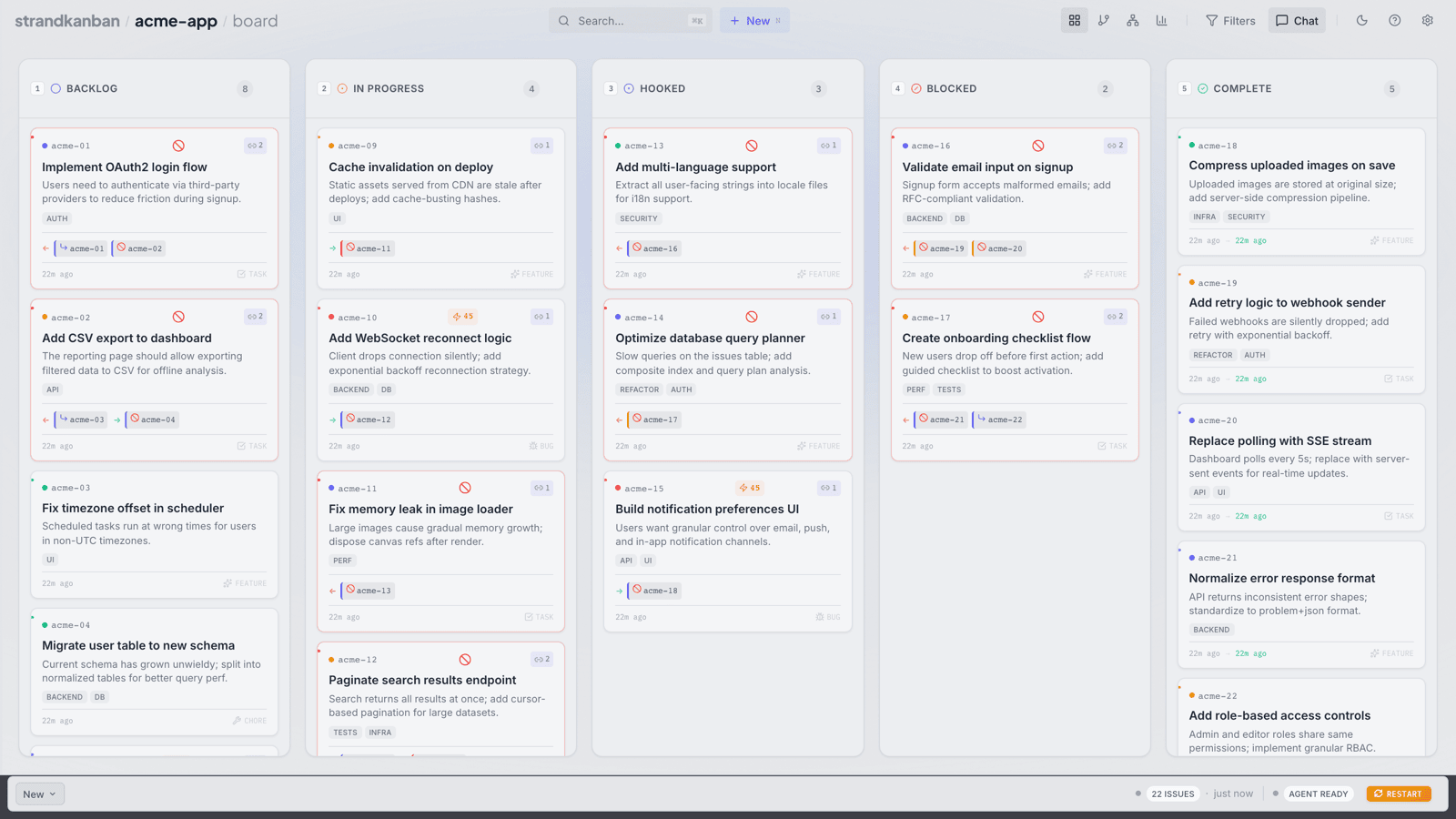
Features
Everything you need to manage Beads issues visually.
Drag & Drop
Move issues between columns to update their status. Reorder within columns to set priority.
Keyboard Navigation
Navigate and manage issues entirely from the keyboard. Arrow keys, shortcuts, and quick actions.
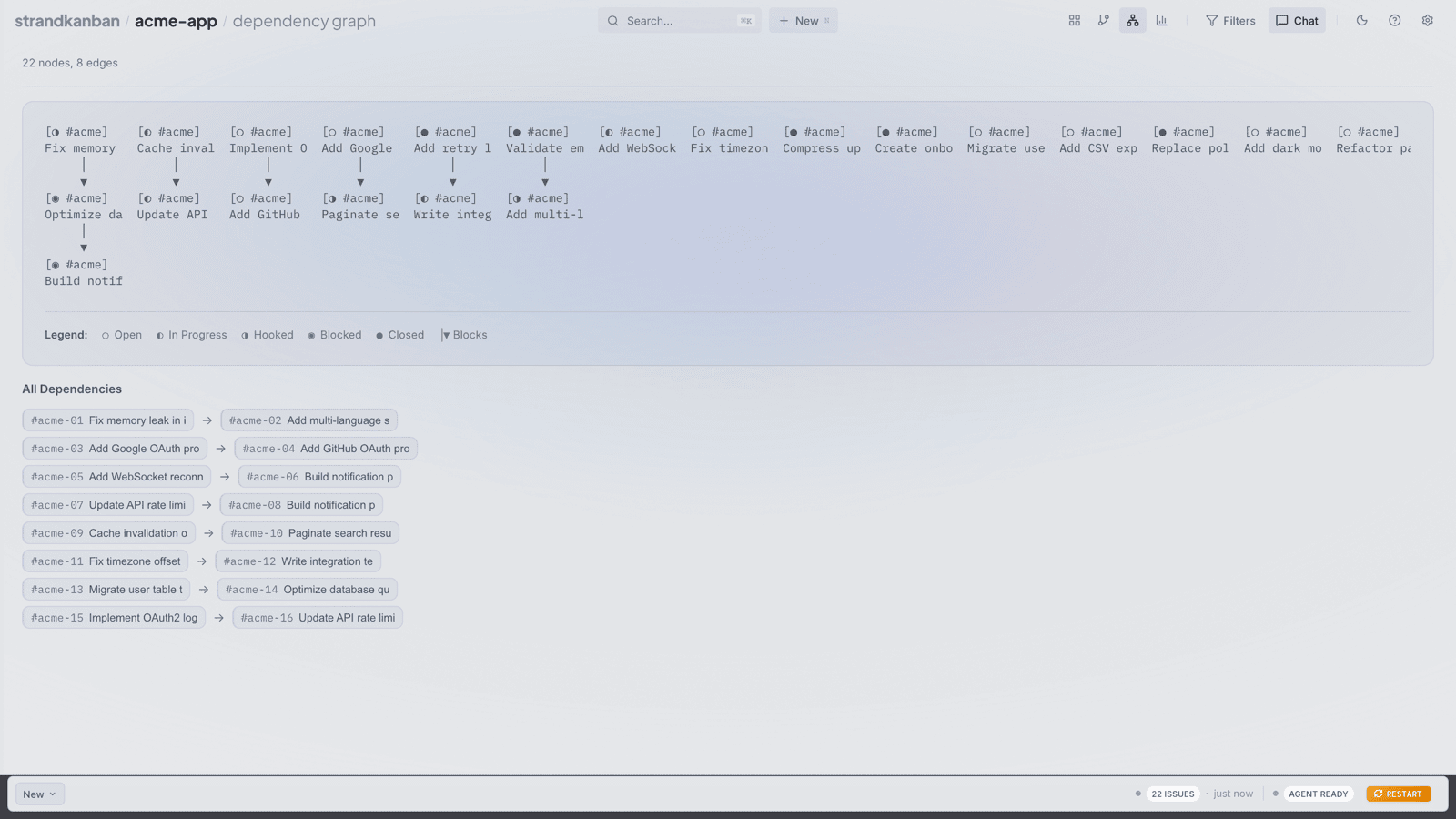
Dependency Tracking
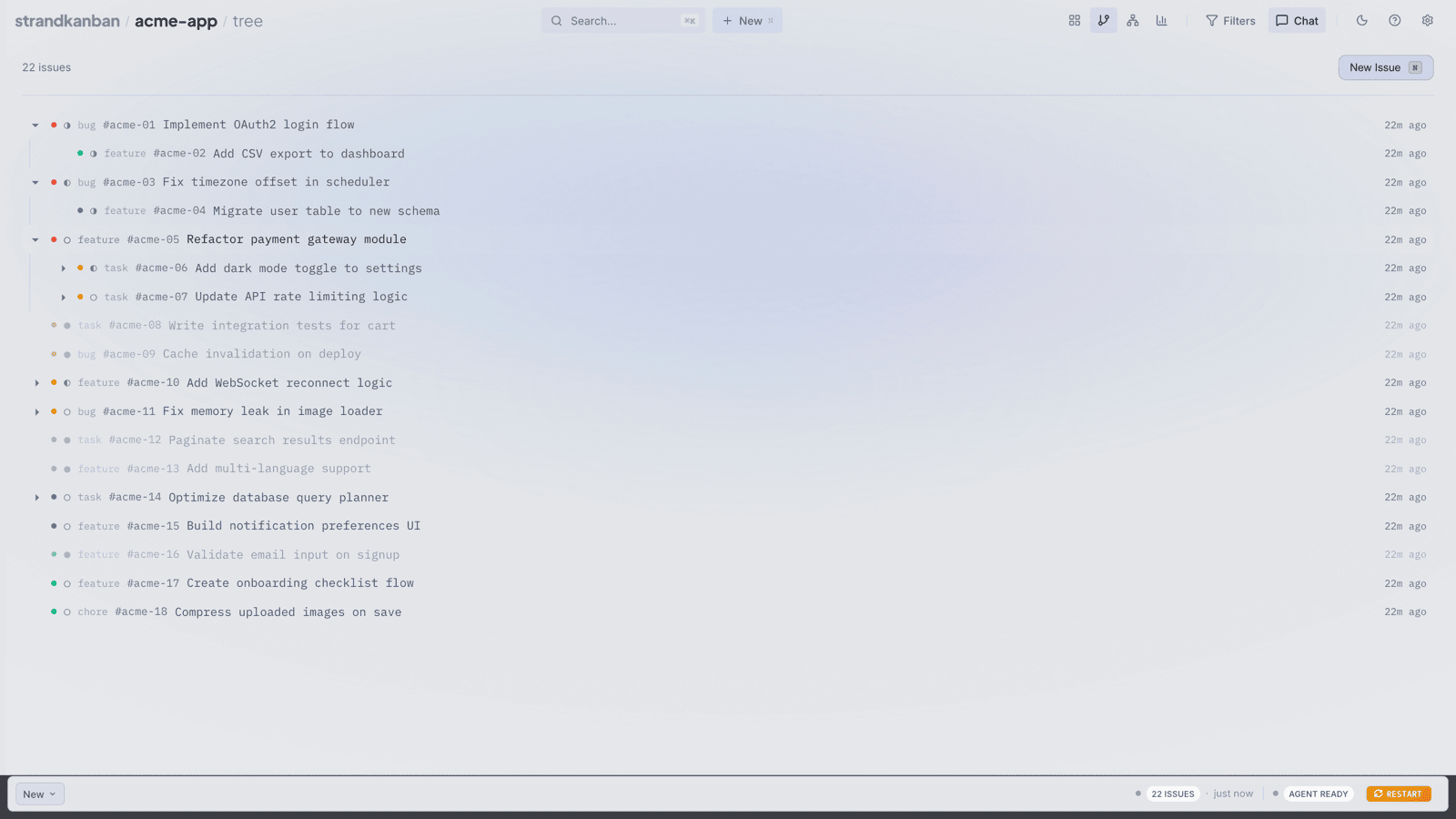
Link issues with parent-child and blocker relationships. See what blocks what at a glance.
Inline Editing
Edit titles, descriptions, and comments directly on the board without leaving the view.
Search & Filter
Filter issues by text, status, labels, and actionability. Find what matters quickly.
CLI-Backed
All writes go through the bd CLI, keeping your .beads directory as the single source of truth.
Notifications
Browser push and MCP desktop notifications keep you informed of issue changes without polling.
Status Flow
Issues move through five stages, each mapped to a Kanban column.
New issues waiting to be worked on
Currently being worked on
Waiting for agent action
Blocked by a dependency
Done and resolved
Architecture
How data flows from the Beads database to the Kanban UI.
Read vs Write path
Go directly to SQLite via db.ts for fast queries, bypassing the CLI.
Shell out to bd CLI commands (bd create, bd update, bd close) to keep the database consistent.
Tech Stack
Built with modern tools for fast development and a snappy UI.
Runes ($state, $derived, $effect) for reactive UI
File-based routing, API routes, server-side rendering
Type-safe interfaces for issues, deps, and columns
Direct database reads via better-sqlite3 for performance
Getting Started
Set up the Kanban board for your Beads project.
beads-kanban /path/to/your/project Setup steps
- 1
- 2 Clone and install
Run
git clone https://github.com/doublej/beads-kanban && cd beads-kanban && bun install. - 3 Add the shell function
Add this to your
~/.zshrc:bdk() { bun /path/to/beads-kanban/bin/bdk.ts "$@"; } - 4 Launch
Run
bdk /path/to/your/project. It handles.beads/init automatically if needed.
Available commands
bun run dev Start dev serverbun run build Build for productionbun run check Type-check with svelte-check